
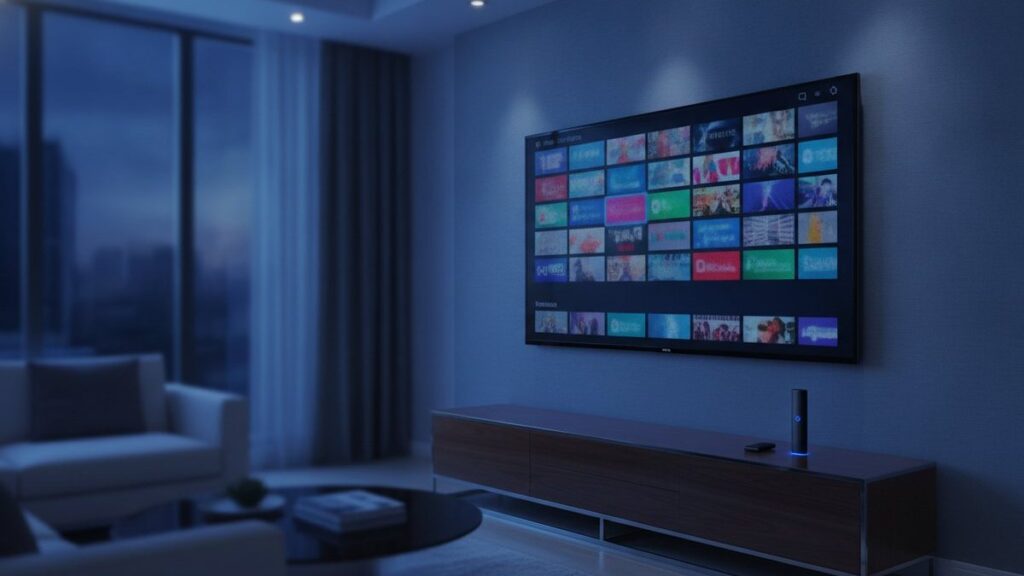
IPTV is television delivered over your internet connection instead of a cable, a satellite dish or an aerial. A player app on your TV, stick or phone holds a login from a provider, and channels arrive as data exactly the way a video call does. Everything below answers what people ask next.
The short answer
Broadcast pushes every channel out to everyone continuously, whether a single person is watching or not. IPTV sends one channel to one viewer, on request, as ordinary internet data. Almost everything else about how it behaves in practice follows from that one difference.
What is IPTV and how does it work?
IPTV sends television as internet data to one viewer at a time, on request. Your player opens a connection to a server, which streams the chosen channel in small numbered chunks. The app collects a few seconds ahead, then plays from that reserve while it keeps downloading more.
That reserve is the buffer, and nearly every problem people report traces back to it. While the buffer stays full the picture is flawless. When the connection dips or a server is overloaded, the buffer drains faster than it refills, and the moment it empties playback pauses.
Understanding this changes how you diagnose faults. Buffering is almost never the channel breaking. It is the player waiting for data that has not arrived, which is why the same channel frequently works perfectly an hour later when fewer people are watching.
What does “internet protocol television” actually mean?
Internet Protocol is simply the addressing system the internet uses to move data between machines. Applying it to television means the programme is broken into packets, addressed to your device, and reassembled at your end. The name describes the delivery method, nothing about the content or its legality.
This matters because the phrase gets used as though it were a category of service. It is not. Your telephone company’s television package is IPTV. So is every broadcaster catch-up app, and so are the unlicensed resellers. Identical technology, entirely different licensing positions.
Is IPTV the same as Netflix?
No. Netflix is a library of finished programmes you choose from. IPTV carries live channels running to a schedule, plus an on-demand library alongside them. The practical difference is live sport and news, which streaming platforms barely cover and which is why most people subscribe to IPTV at all.
| Streaming platforms | IPTV | Cable | |
|---|---|---|---|
| Live sport | Almost none | Extensive | Extensive, at a price |
| Live news | No | Many countries | Domestic mainly |
| Programme guide | Not applicable | Yes | Yes |
| Contract | Rolling monthly | None | Usually 12-24 months |
| Equipment rental | None | None | Common |
The two are complements rather than competitors for most households. A streaming platform replaces a video shop. IPTV replaces a cable package, which is why the people who switch were usually paying for cable mainly to watch sport and news.
What equipment do I need for IPTV?
Three things, and you probably own two already. A device that runs an app: a smart TV from 2016 onward, a Fire TV Stick, an Android box, a phone or a computer. A connection of roughly 25 Mbps for 4K. And a subscription, which is the only part that costs money.
There is no dish, no cable box, no installer visit and no equipment rental of the kind cable companies add to the bill. If Wi-Fi is weak where the television sits, a cheap Ethernet adapter fixes more complaints than any other single change you can make.
Our setup hub has a walkthrough for each device, naming the exact menus, because that is where people actually get stuck rather than on anything conceptual.
What internet speed do I need for IPTV?
About 10 Mbps carries HD comfortably and 25 Mbps handles a 4K stream. Consistency matters far more than the headline figure on your bill. A steady 30 Mbps beats an erratic 200, because what breaks a stream is the gaps rather than the average throughput.
Test at the time you actually watch. A speed test at ten in the morning tells you very little about what your line does at nine in the evening when the whole street is streaming. If the numbers collapse at peak, that is congestion rather than anything wrong with the service.
Want to see how it behaves on your own connection? The free 24-hour trial is a full account with every channel open. No card, nothing to cancel.
How many channels do you get with IPTV?
A typical subscription lists 20,000 to 30,000 live channels, and SmixIPTV carries 25,000+ alongside 120,000+ films and series. Treat headline counts sceptically though: they include regional duplicates and multiple bitrates of the same feed. In daily use most households settle on about forty channels.
This is why channel count is a poor way to choose between providers. A service advertising 60,000 channels is not meaningfully larger than one listing 25,000; it is counting differently. What decides your experience is whether the handful you actually watch stay up during busy hours.
The channel list shows the backbone of what is carried, grouped the same way it appears inside a player.
What is an Xtream Codes login?
It is the credential format nearly every modern IPTV player accepts: a server address, a username and a password. You enter those three values once and the app downloads the channel list, the on-demand library and the programme guide automatically, with nothing else to configure.
The alternative is an M3U link, a single long web address carrying the same credentials as parameters. It suits players like VLC and Kodi that expect a playlist file rather than a login form. Both routes reach the same account; the Xtream login is simply easier because the guide comes with it.
Guard either one like a password, because functionally that is exactly what it is. Our Xtream guide explains each field and the mistakes that cause most failed logins.
Can I do IPTV myself?
Setting up takes under ten minutes and needs no technical knowledge. You install a player, enter three values from your provider, and wait while the channel list downloads. Running your own IPTV service is a different matter entirely, requiring servers, feeds and licensing far beyond a home setup.
People sometimes conflate the two after reading about self-hosted media servers. Those serve files you already own to your own household. Redistributing live broadcast channels is a wholly different activity with a wholly different legal position.
Why does IPTV buffer?
Buffering means data is not arriving fast enough to keep the reserve full. The usual causes are an overloaded server at peak time, weak Wi-Fi between router and television, or an internet provider throttling streaming traffic. It is rarely the channel itself failing, which is why it often recovers later.
Work through the fixes in order of effort. Switch the player to hardware decoding first, since it costs nothing to try. Then move the device onto a wired connection, which resolves the single most common cause. Then drop to the HD copy of the channel rather than the 4K one during busy hours.
If only one provider fails while everything else on your connection works normally, the problem is on their side rather than yours, and no amount of local adjustment will fix it.
Is IPTV legal?
The technology is entirely legal and completely mainstream, used by telecoms companies and every broadcaster with a catch-up app. What varies is whether a specific provider holds distribution rights for the channels it sells, which is a licensing question rather than a technical one.
It deserves a fuller answer than a paragraph. Our legality guide sets out what enforcement actually targets, how blocking orders work in the UK and EU, and the signals that distinguish a licensed operation from an unlicensed one.
How do I start with IPTV?
Take a free trial before paying anything, and use it on a weekend evening rather than a quiet morning, because that is the only test that reveals whether servers hold up under load. Then install a player, enter your credentials, and build a favourites list.
From payment to first channel is usually under a quarter of an hour. Our trial runs 24 hours with no card required, the setup guides cover every device, and pricing is published openly rather than quoted on request.
Frequently asked questions
What is IPTV in simple terms?
IPTV is television delivered over your internet connection rather than a cable, dish or aerial. You install a player app, enter a login from a provider, and live channels stream to your screen.
Is IPTV the same as Netflix?
No. Netflix offers a library of finished programmes. IPTV carries live channels on a schedule plus an on-demand library, which is why it covers live sport and news that streaming platforms do not.
What internet speed do I need for IPTV?
About 10 Mbps for HD and 25 Mbps for 4K. Consistency matters more than the headline figure: a steady 30 Mbps beats an erratic 200, because gaps break streams rather than averages.
How many channels do you get with IPTV?
SmixIPTV carries 25,000+ live channels and 120,000+ on-demand titles. Headline counts include regional duplicates, so in practice most households settle on about forty channels they actually watch.
Why does my IPTV keep buffering?
Data is not arriving fast enough to keep the player's buffer full, usually an overloaded server at peak time, weak Wi-Fi, or ISP throttling. Hardware decoding and a wired connection fix most cases.
Can I set up IPTV myself?
Yes, in under ten minutes. Install a player, enter the three login values your provider sends, and wait for the channel list to download. Every device has a step-by-step guide on this site.
Ready to watch 25,000+ channels?
Order on WhatsApp and get your login in under 15 minutes. 7-day money-back guarantee.
Related articles
Best IPTV Box in 2026: Formuler Z11 vs Nvidia Shield vs Fire TV Stick 4K Max
The best IPTV box for most people is a Fire TV Stick 4K Max; daily viewers should look at the Formuler Z11…
September 4, 2026Best IPTV Apps in 2026: TiViMate vs Smarters vs Smart IPTV vs IBO Player
There is no single best IPTV app, only the best one for your device. We installed seven players on a Firestick, a…
September 2, 2026How Much Does IPTV Cost in 2026? Real Prices From 5 Providers
IPTV costs $15 for a month and $59 to $85 for a year on one device, which is $5 to $7 a…